
Security and privacy have become a major concern. Apple responds to new hacks and malware with regular updates of macOS. The macOS 12.5 update for example contained more than 100 security fixes.
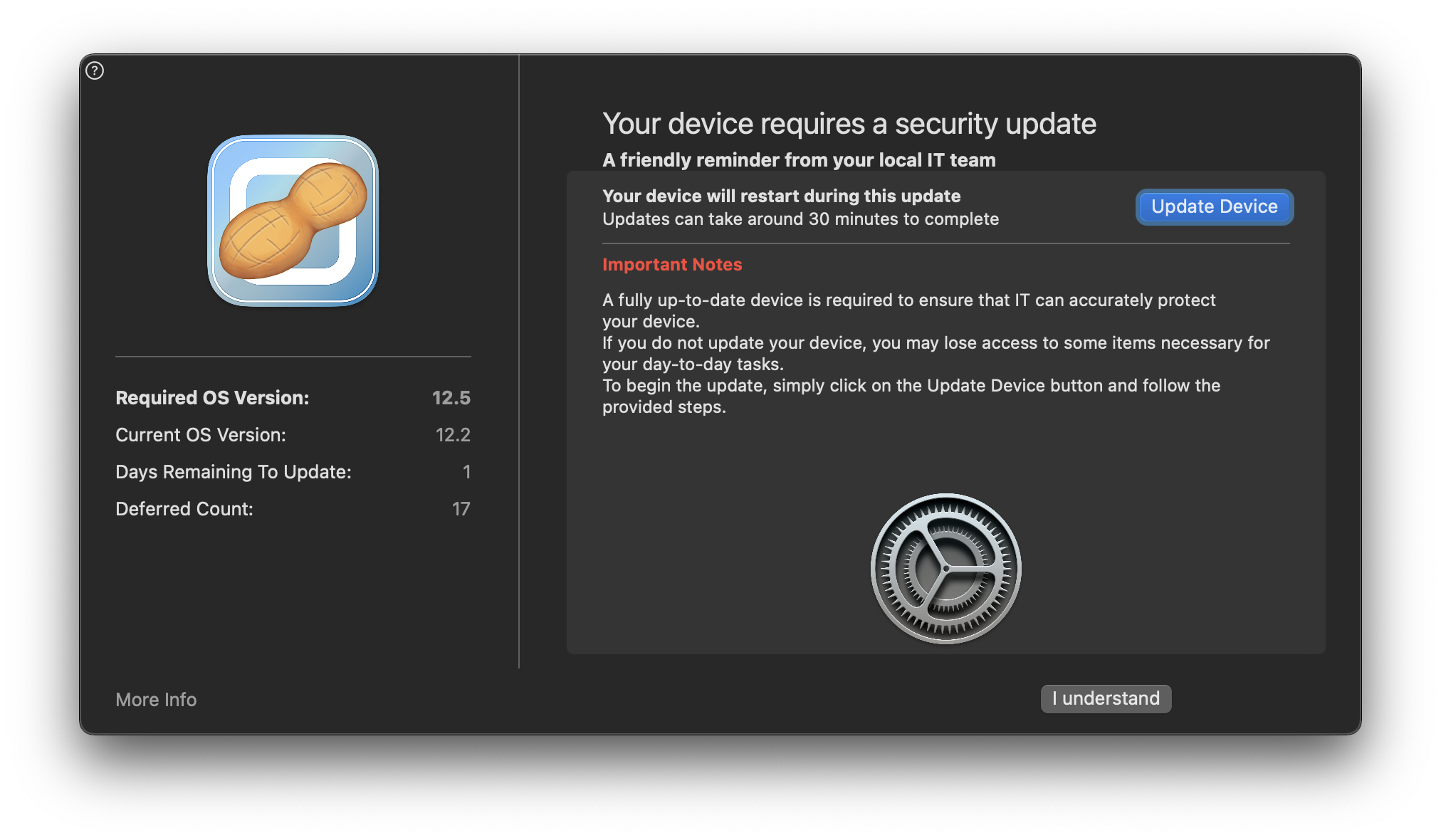
From time to time you will see this new 'nudge' screen prompting you to update macOS, you will be given several days in which you can run the update or defer it by pressing the I understand and Defer buttons.
When the deadline is reached the 'nudge' screen will become persistent. We recommend installing the update before the deadline. Click the Update Device button and then click Install Update.
Comments
0 comments
Please sign in to leave a comment.