
1) Go to https://awsvpn.iefiles.co.uk in your browser
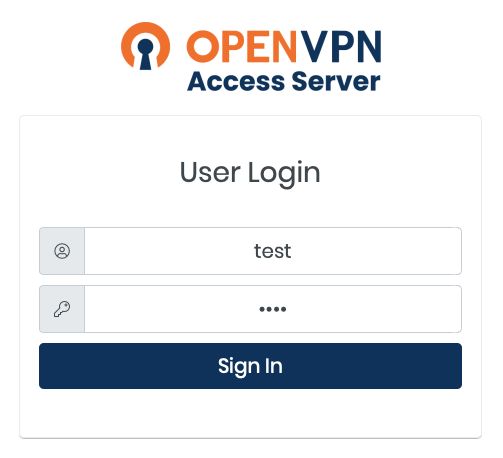
2) Log in with the VPN user name and password issued to you
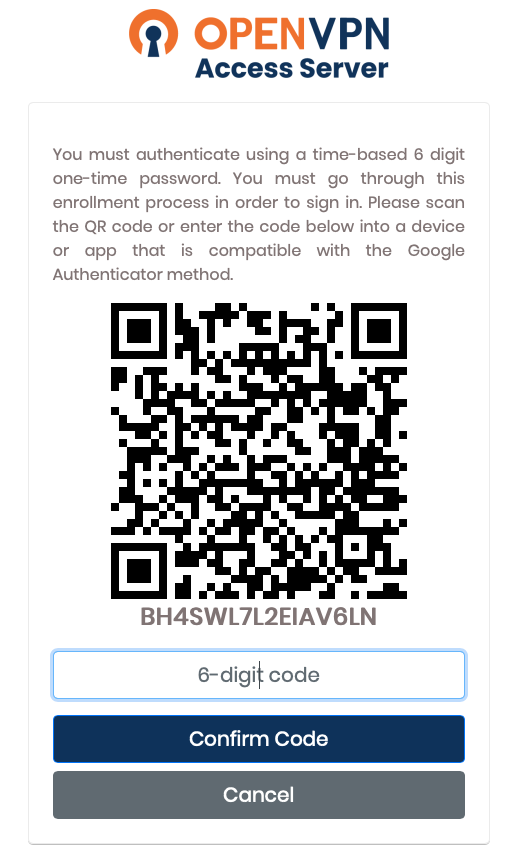
3) Scan the QR Code on your phone with an authenticator app of your choice and enter the generated 6-digit code to confirm
4) Download and install the latest OpenVPN Connect v3 from the landing page
5) On the same page download the connection profile

6) During the install process it may ask you to select the profile. Alternatively once OpenVPN is installed and open you can drag the profile onto the icon in the menubar
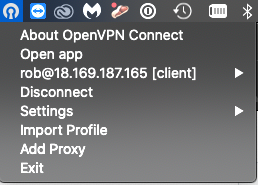
7) Once imported, simply connect to VPN from the menu and enter the 2-factor code from your phone when prompted. You can then browse to http://172.31.37.93 to access the image database.
Comments
0 comments
Article is closed for comments.