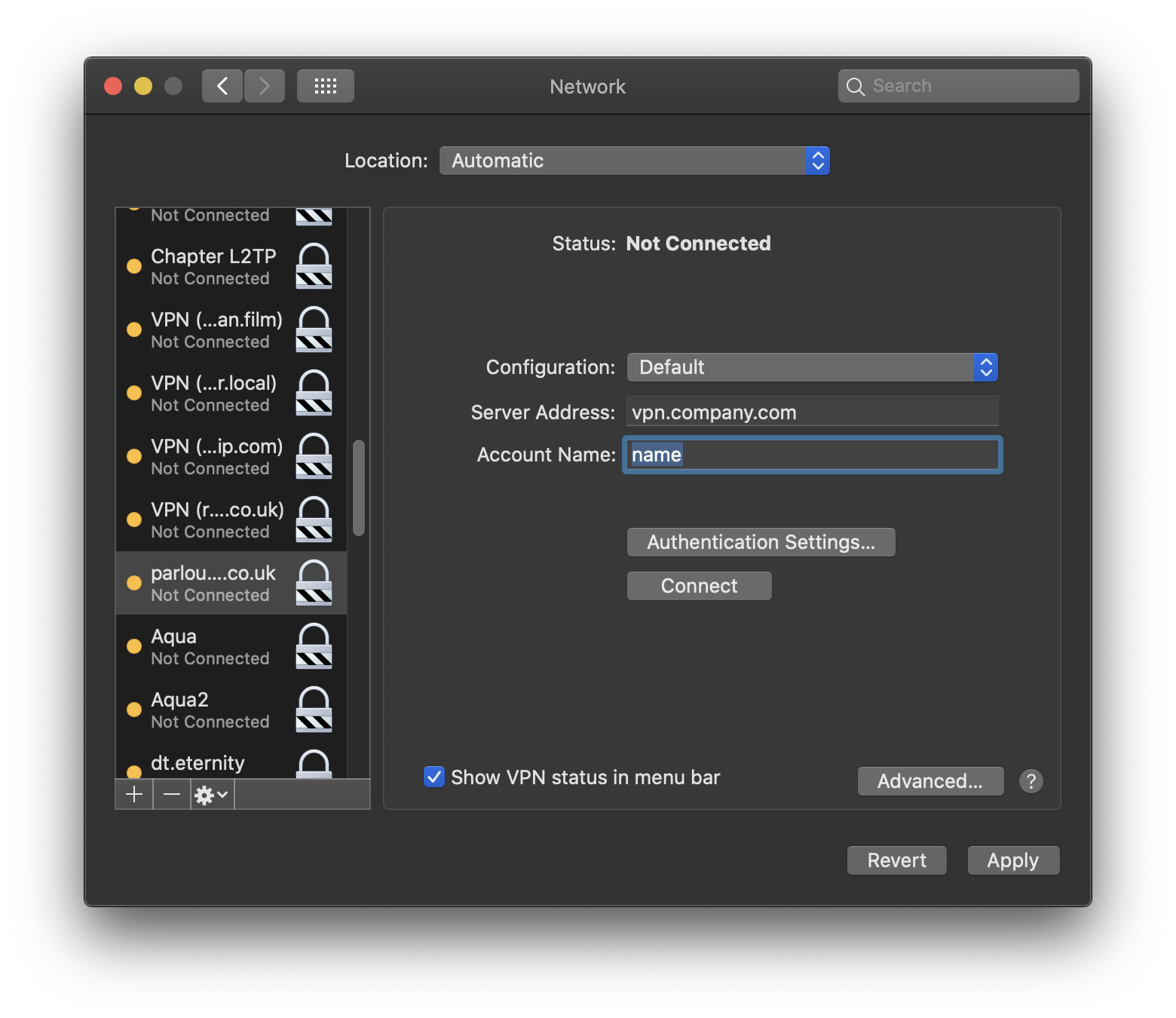
VPN Menu Ofir Gal June 07, 2021 21:55 Updated To enable the VPN menu Open System Preferences > Network Select your VPN on the left pane Enable the Show VPN status in menu bar option Press Apply Comments 0 comments Please sign in to leave a comment.

Comments
0 comments
Please sign in to leave a comment.