
When you download a configuration profile from a website or an email message, you need to go to the Settings app to install it.
Install a profile
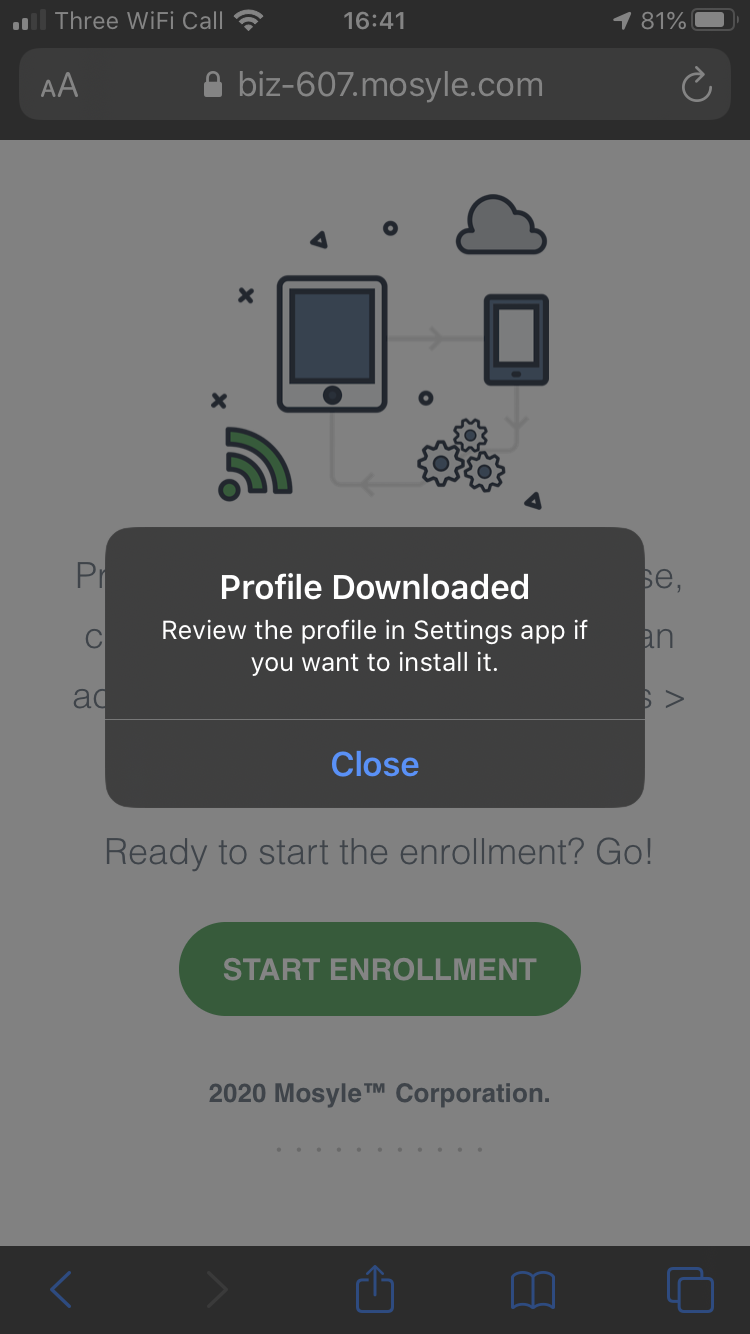
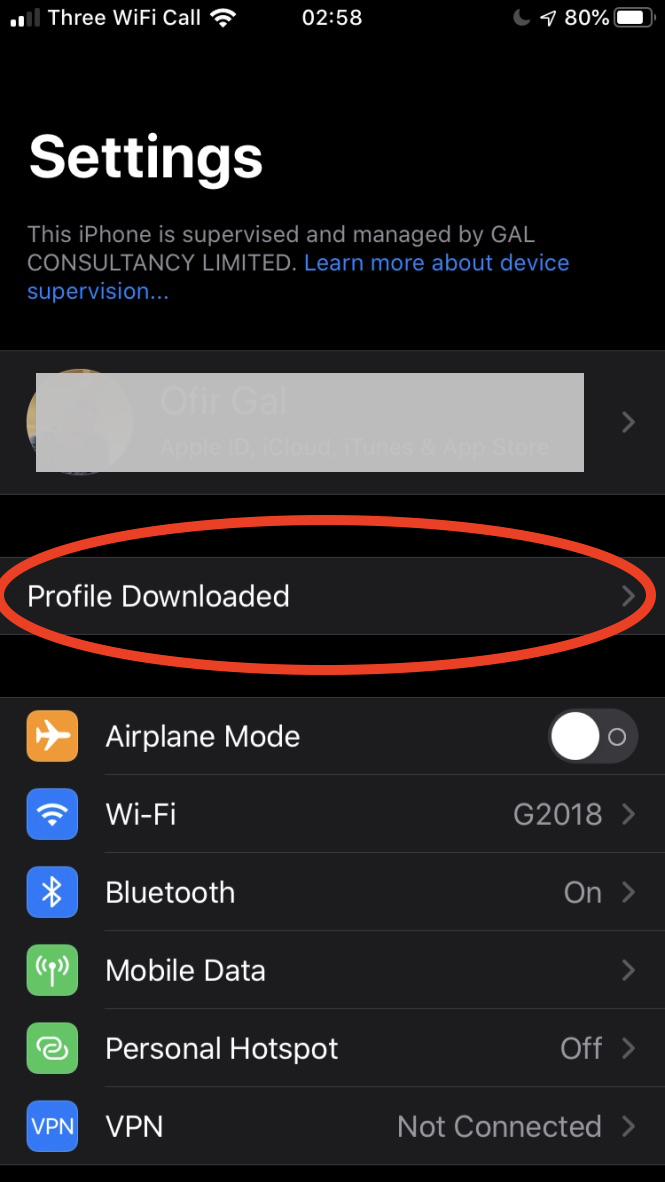
After you download a profile, you’ll see the message Profile Downloaded or Enrol in [organisation name]. To install the profile, follow these steps:
- Open the Settings app.
- Tap Profile Downloaded or Enrol in [organisation name].
- Tap Install in the upper-right corner, then follow the onscreen instructions.
Comments
0 comments
Please sign in to leave a comment.